
Create an event
Name it, pick an end time. Thirty seconds.
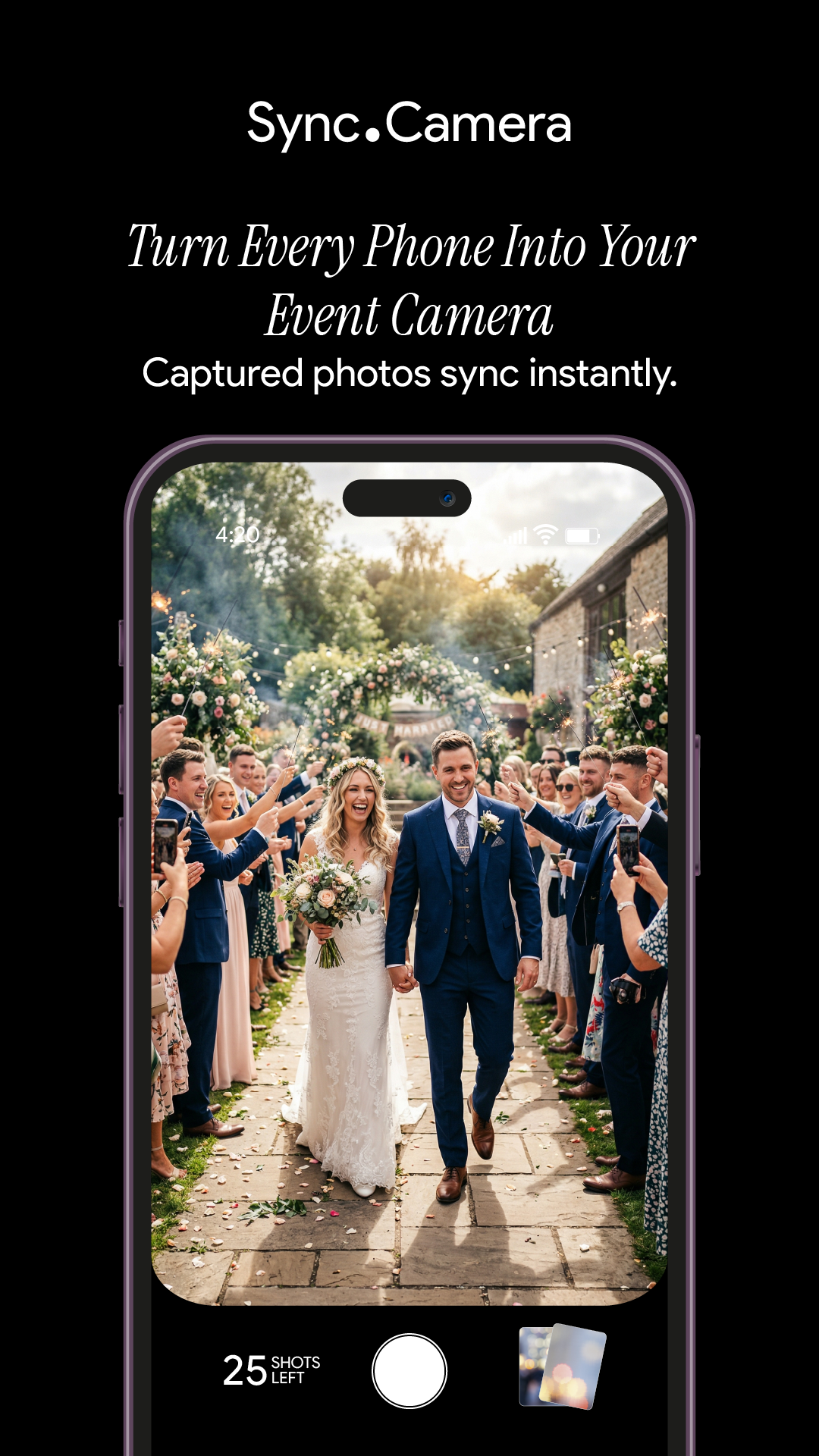
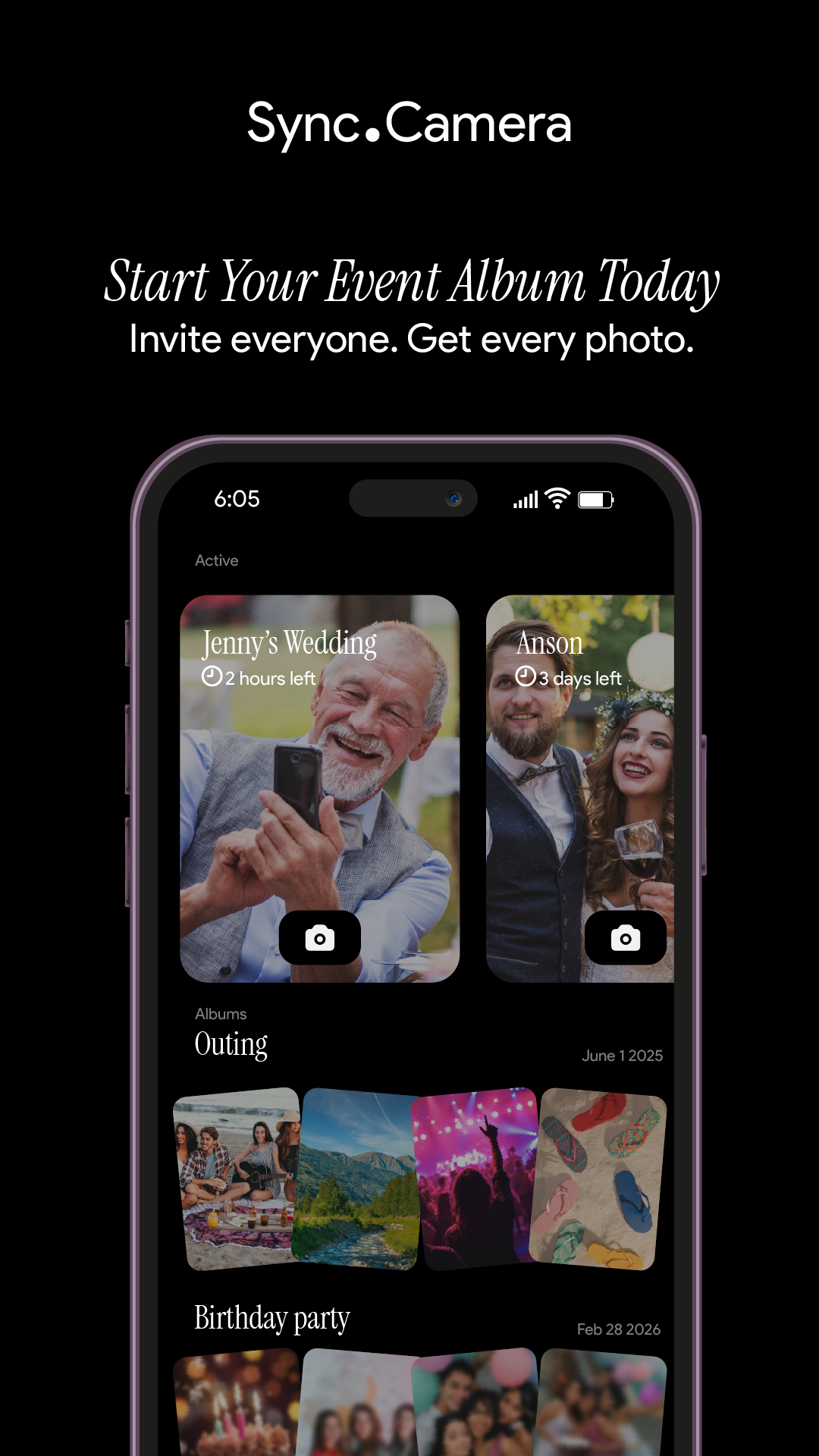
One QR code, every guest's camera, one shared album that fills in real time. No accounts, no uploads.
No accounts required. Free to start. Upgrade per event.
How it works
Name it, pick an end time. Thirty seconds.
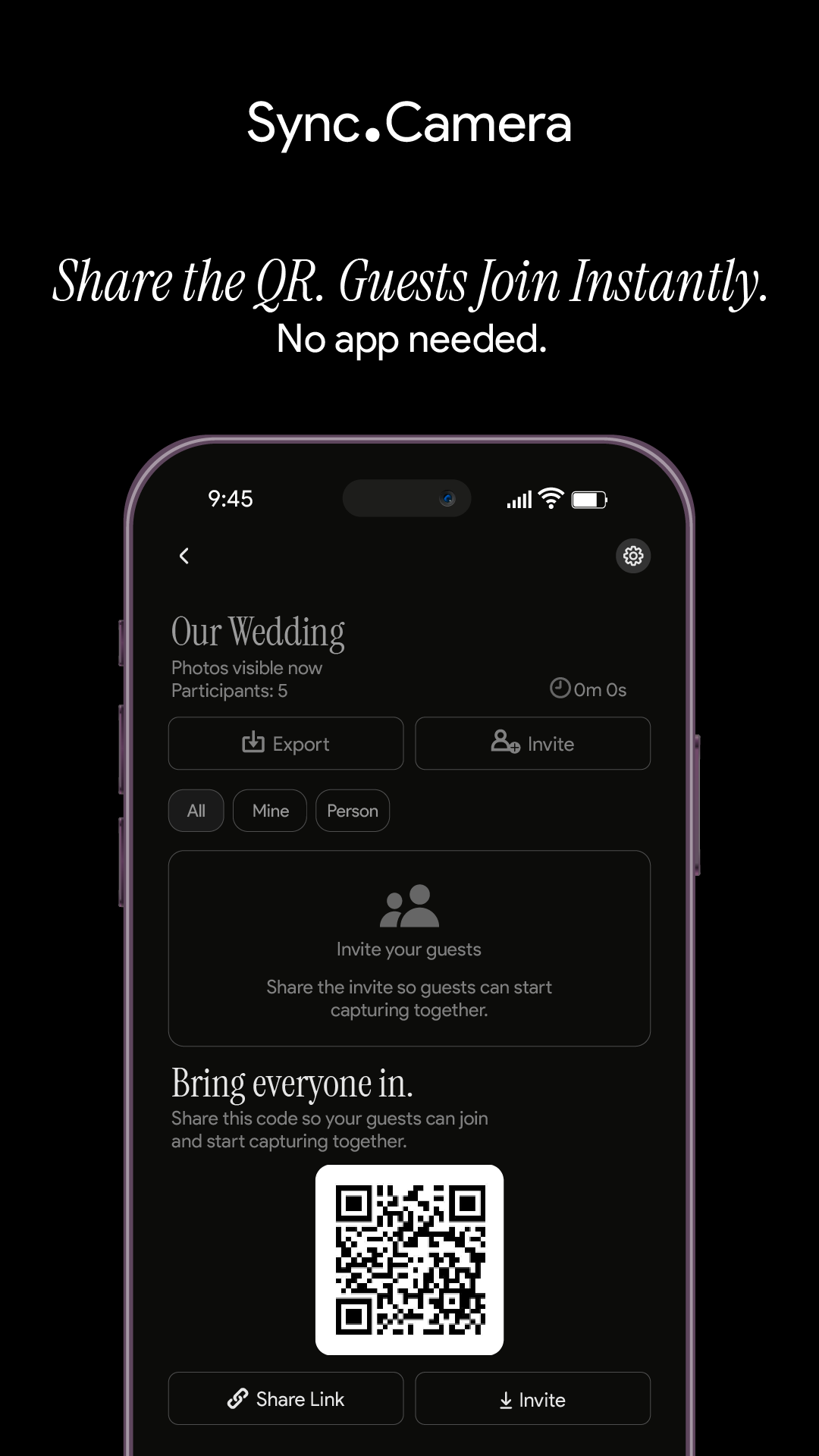
Guests join from a QR code or an eight-character invite. No account required.
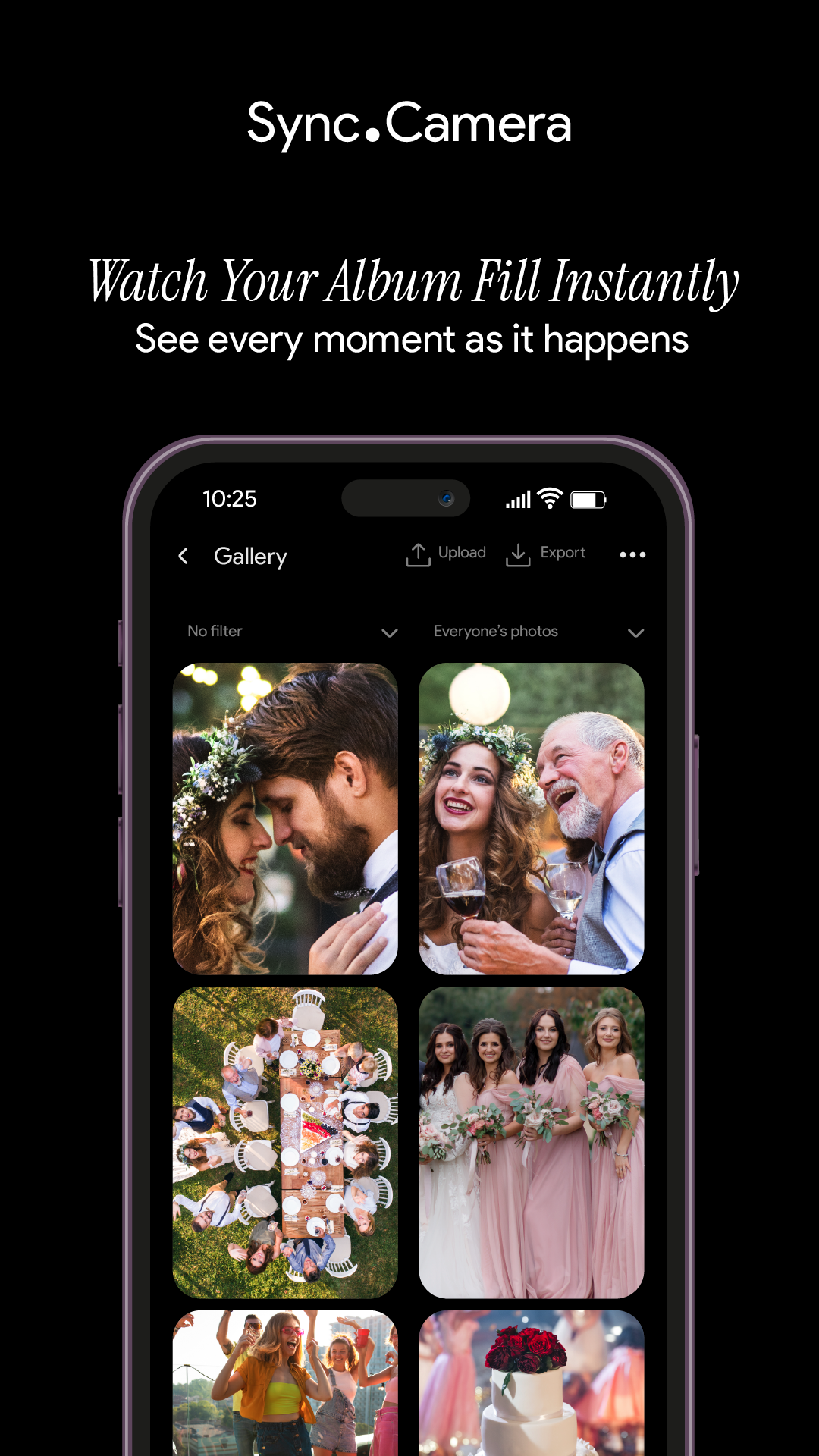
Photos flow into one shared album. Reveal live, or at the end.
Screens
Moments
Big events have phases. The ceremony, the reception, the after-party — each with its own guests, its own cameras, and its own mood.
Moments let you split an event into stages, each with its own QR code and reveal timing. Guests move between them without switching apps.
Private by design
We don't sell your photos or your data. No ads. No cross-app tracking.
Photos are encrypted in transit, stored in event-scoped buckets, and access is enforced by per-event row-level security. Join anonymously and upgrade your account later without losing a thing.
Read the full privacy policy →Common questions
No. Guests can join from any modern phone browser via the invite link. Installing the app gets them better camera controls and push notifications for new photos, but it is not required.
Three options. During — guests see photos live as they are taken. After the event — the gallery unlocks when the event ends. Additional delay — unlocks a set number of hours after the event ends.
No. SYNC PRO is a one-time purchase that expands the guest and photo limits for a single event. Upgrade again only when you create a larger event.
Moments Happen in SYNC, Capture Together